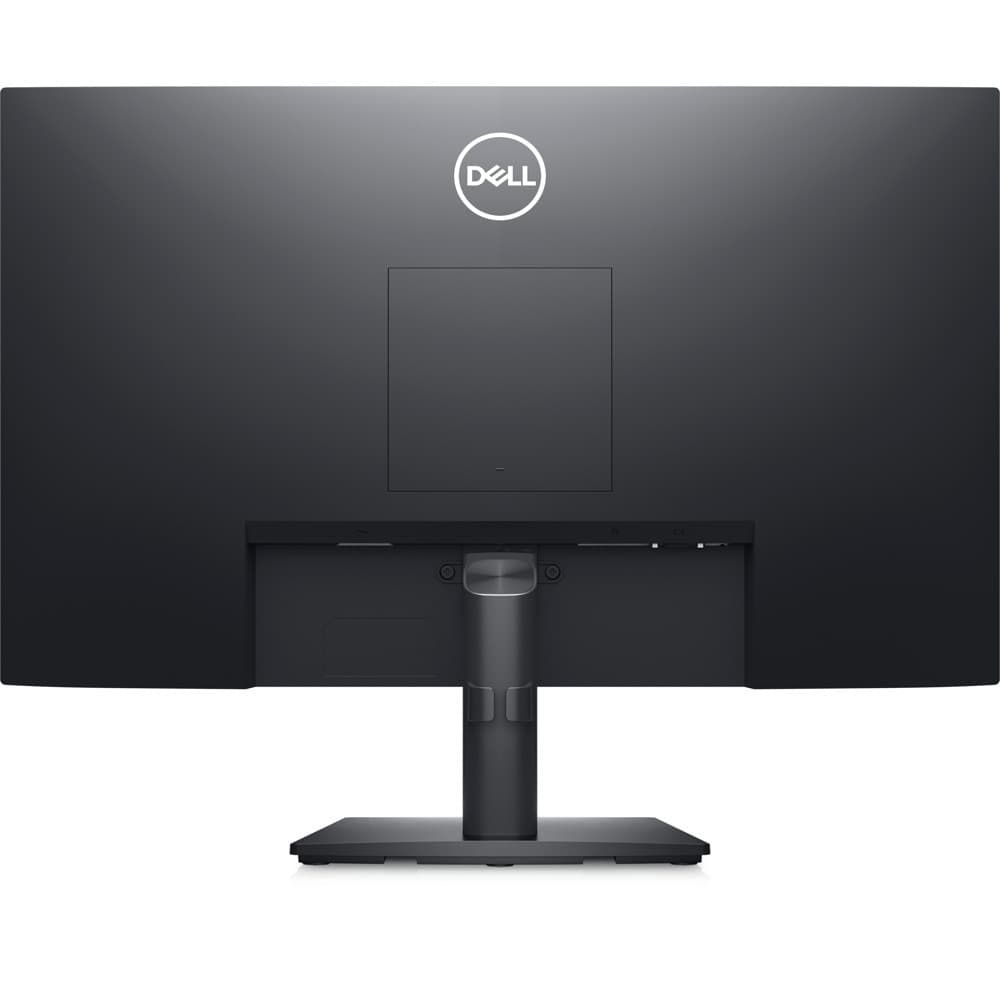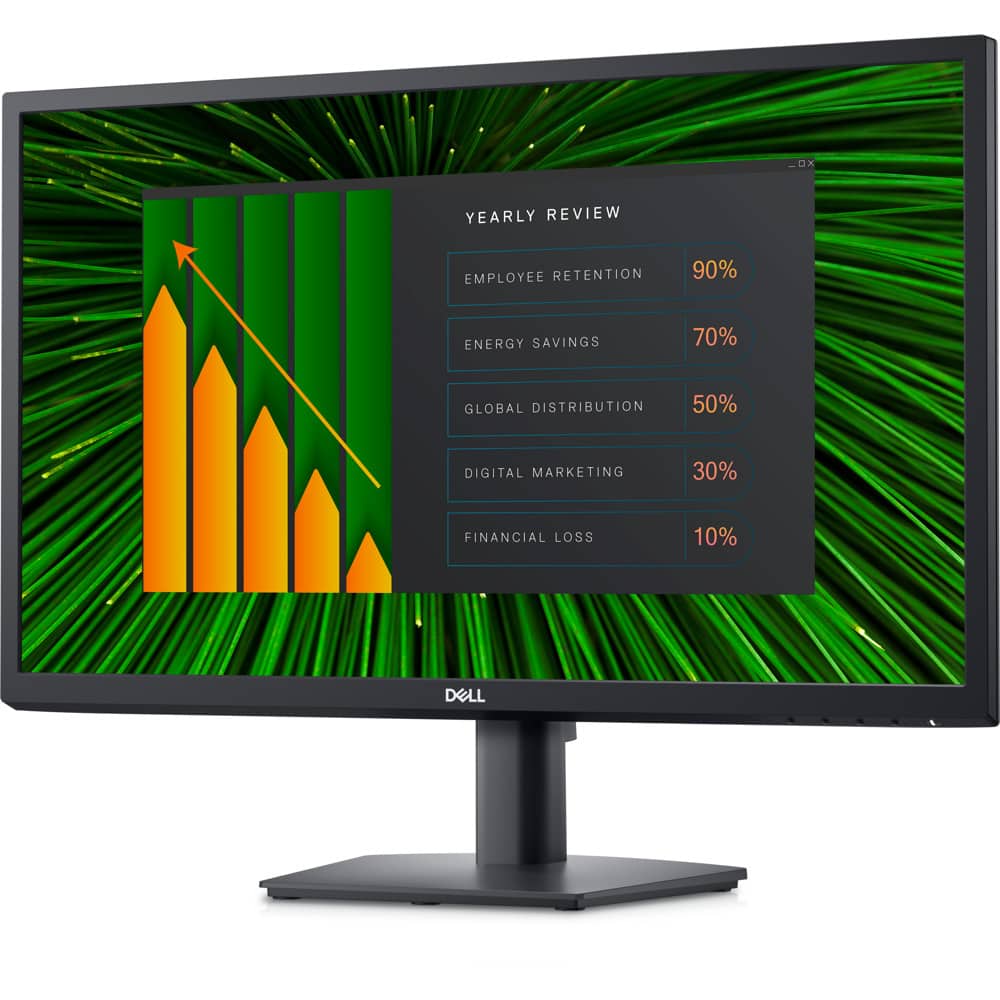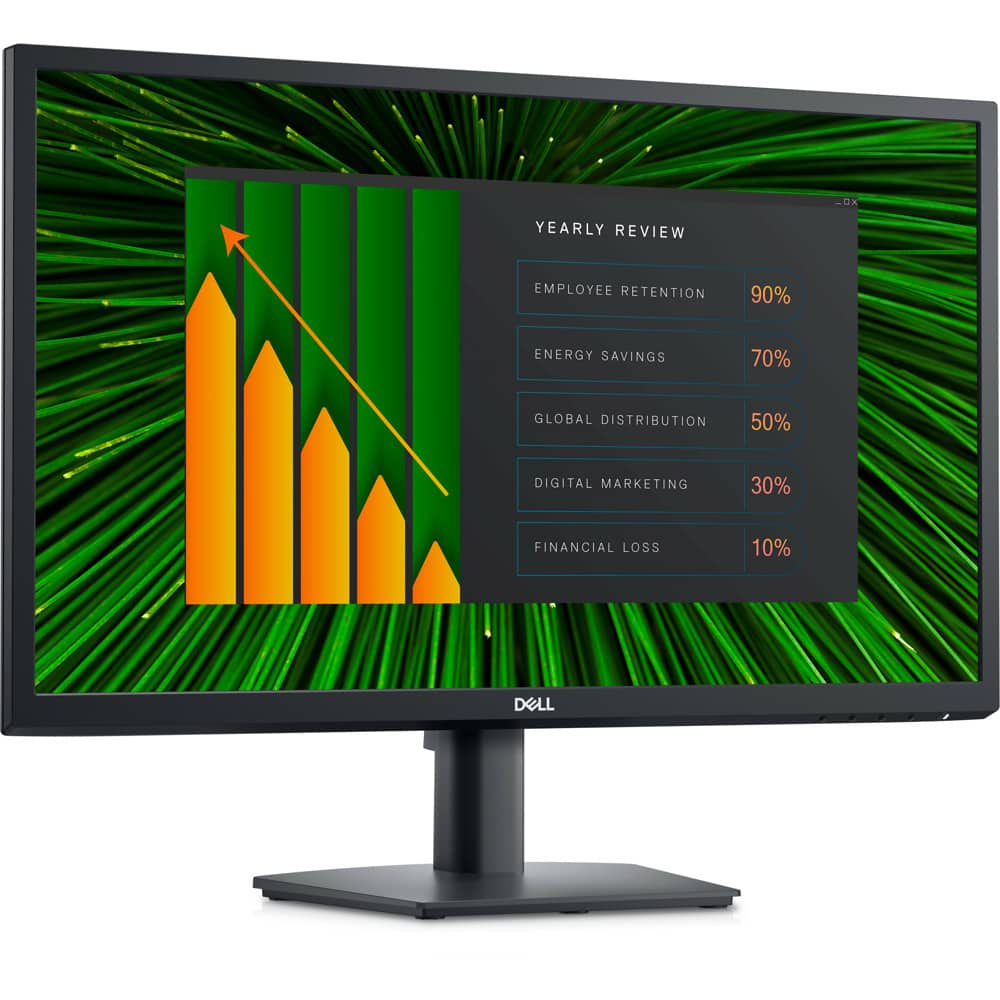



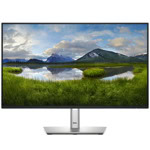
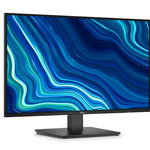
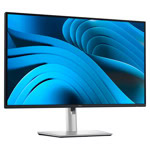
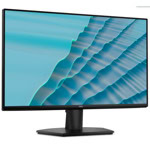

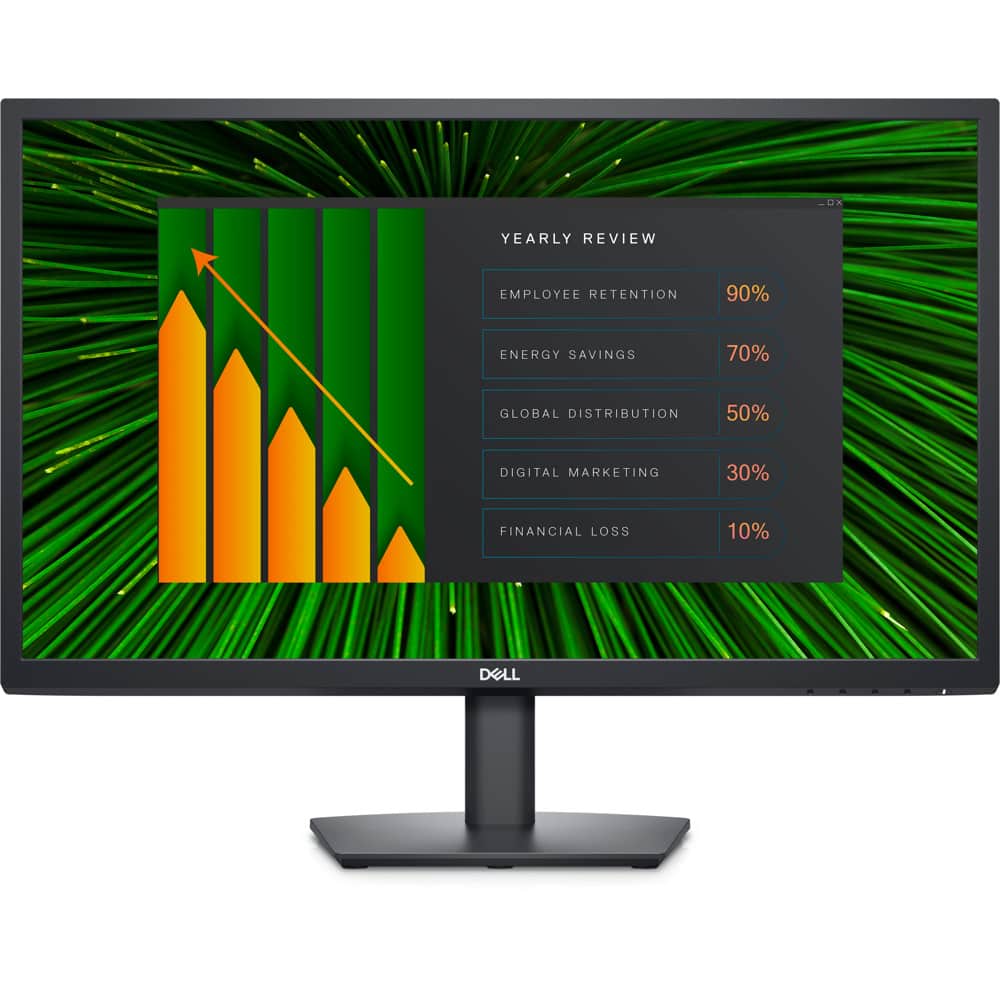

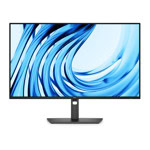
Dell E2423HN
.png)
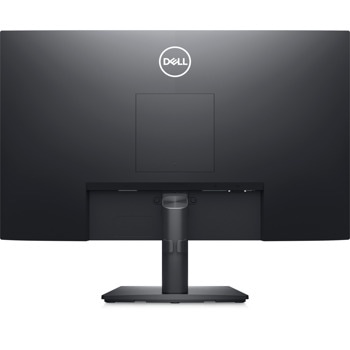
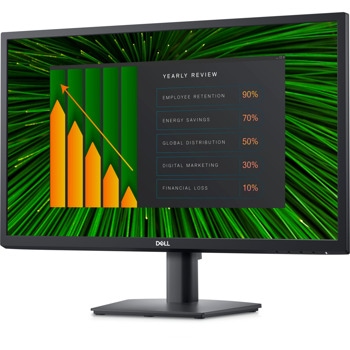
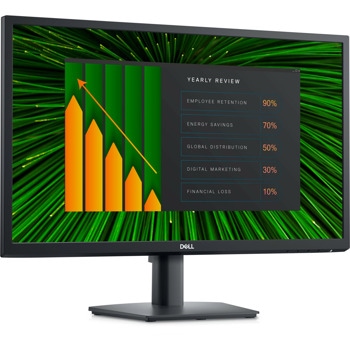
Functional, space-saving design
Convenient connectivity:
Connect to current and legacy systems via VGA and HDMI ports.
Maximize your desktop:
Cut clutter with space-saving features like a compact stand and improved cable management that hides cables while complementing any workspace.
Clean, simple design:
A slim bezel adds a modern look.
Adapts to your needs:
Make your workspace your own with VESA-compatible mounts and stands.
.png)
Functional, space-saving design
Convenient connectivity:
Connect to current and legacy systems via VGA and HDMI ports.
Maximize your desktop:
Cut clutter with space-saving features like a compact stand and improved cable management that hides cables while complementing any workspace.
Clean, simple design:
A slim bezel adds a modern look.
Adapts to your needs:
Make your workspace your own with VESA-compatible mounts and stands.
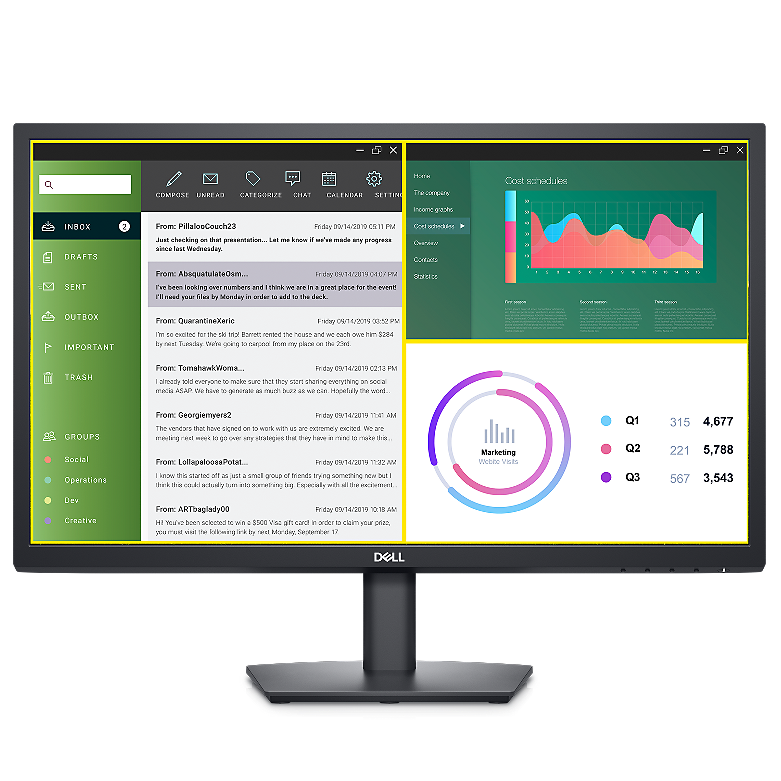
Dell Display Manager
Productive at every level:
Easy Arrange allows you to easily tile multiple applications across one or more screens with 38 pre-set window partitions and the ability to personalize up to five windows, giving you improved multitasking abilities.
Seamless transitions:
The auto-restore feature remembers where you left off, so applications will go back to where you left them, even after you’ve unplugged.
The key to convenience:
Shortcut keys can save you even more time, letting you easily configure your display management settings so you can get to work faster.
More ways to manage:
Asset management reports allow IT managers to quickly capture and track monitor information as well as configure multiple monitors at once through a single setup.
General
Display Type
LED-backlit LCD monitor / TFT active matrix
Diagonal Size
23.8"
Panel Type
VA
Aspect Ratio
16:9
Native Resolution
Full HD (1080p) 1920 x 1080 at 60 Hz
Pixel Pitch
0.2745 mm
Pixel Per Inch
93
Brightness
250 cd/m²
Contrast Ratio
3000:1 / 3000:1 (dynamic)
Colour Support
16.7 million colours
Colour Gamut
72% (CIE 1931), 83% (CIE 1976)
Response Time
8 ms (grey-to-grey normal); 5 ms (grey-to-grey fast)
Horizontal Viewing Angle
178
Vertical Viewing Angle
178
Screen Coating
Anti-glare
Backlight Technology
LED backlight
Dimensions (WxDxH)
55.264 cm x 17.1 cm x 42.035 cm - with stand
Weight
3.85 kg
Connectivity
Interfaces
HDMI
VGA
Mechanical
Display Position Adjustments
Tilt
Tilt Angle
-5/+21
VESA Mounting Interface
100 x 100 mm
Miscellaneous
Features
Security lock slot (cable lock sold separately), VESA interface support
Included Accessories
VESA screw cover
Cables Included
1 x HDMI cable
Power
Input Voltage
AC 100-240 V (50/60 Hz)
Power Consumption (On mode)
16 W
Power Consumption (Max)
25 Watt
Power Consumption Stand by
0.3 Watt
Power Consumption Sleep
0.3 Watt
Power Consumption (Off Mode)
0.3 Watt
On / Off Switch
Yes
Dimensions & Weight
Dimensions & Weight Details
With stand - width: 55.264 cm - depth: 17.1 cm - height: 42.035 cm - weight: 3.85 kg
Without stand - width: 55.264 cm - depth: 4.969 cm - height: 33.161 cm - weight: 3.11 kg
Dimensions & Weight (Shipping)
Shipping Weight
5.29 kg
Виж още Монитори Dell
Виж всички Монитори в категорията
 Dell Product Information Guide_Monitors_BG.pdf
| HDMI: | Да |
|---|---|
| USB Type-C: | Не |
| USB Type-А: | Не |
| Екран размер: | 23.8" (60.45 cm) |
|---|---|
| Гама: | Home & Office |
| Разделителна способност (max): | 1920 x 1080 |
| Тип матрица: | VA |
| Аспект изображение: | 16:9 |
| Честота на опресняване: | 60 Hz |
| Време за реакция: | 5 ms |
| Яркост: | 250 cd/m² |
| TV Тунер: | Не |
| Тъчскрийн: | Не |
| Вградени колони: | Не |
| 3D: | Не |
| Цвят: | Черен |
| Формат екран: | Wide |
| Извит: | Не |
| Преносим: | Не |
- 5
0 ревюта
- 4
0 ревюта
- 3
0 ревюта
- 2
0 ревюта
- 1
0 ревюта
-
 Какво пазаруват другите
-
 Най-продавани продукти
-
 Промоционални продукти
-
64.79 €
-
785.80 €
-
178.99 €
-
238.98 €
-
88.99 €
-
277.39 €
-
211.18 €
-
124.02 €
-
445.78 €
-
126.69 €
-
920.59 €
-
246.91 €
-
154.89 €
-
296.99 €
-
638.99 €
-
322.99 €
-
185.43 €
-
124.59 €
-
73.06 €
-
88.99 €
-
388.99 €
-
138.35 €
-
94.56 €
-
73.06 €
-
154.89 €
-
268.96 €
-
87.80 €
-
187.86 €
-
78.99 €
-
238.98 €
-
73.06 €
-
208.99 €
-
188.98 €
-
166.08 €
-
121.41 €
-
198.98 €
-
372.99 €
-
154.89 €
-
254.99 €
-
329.99 €



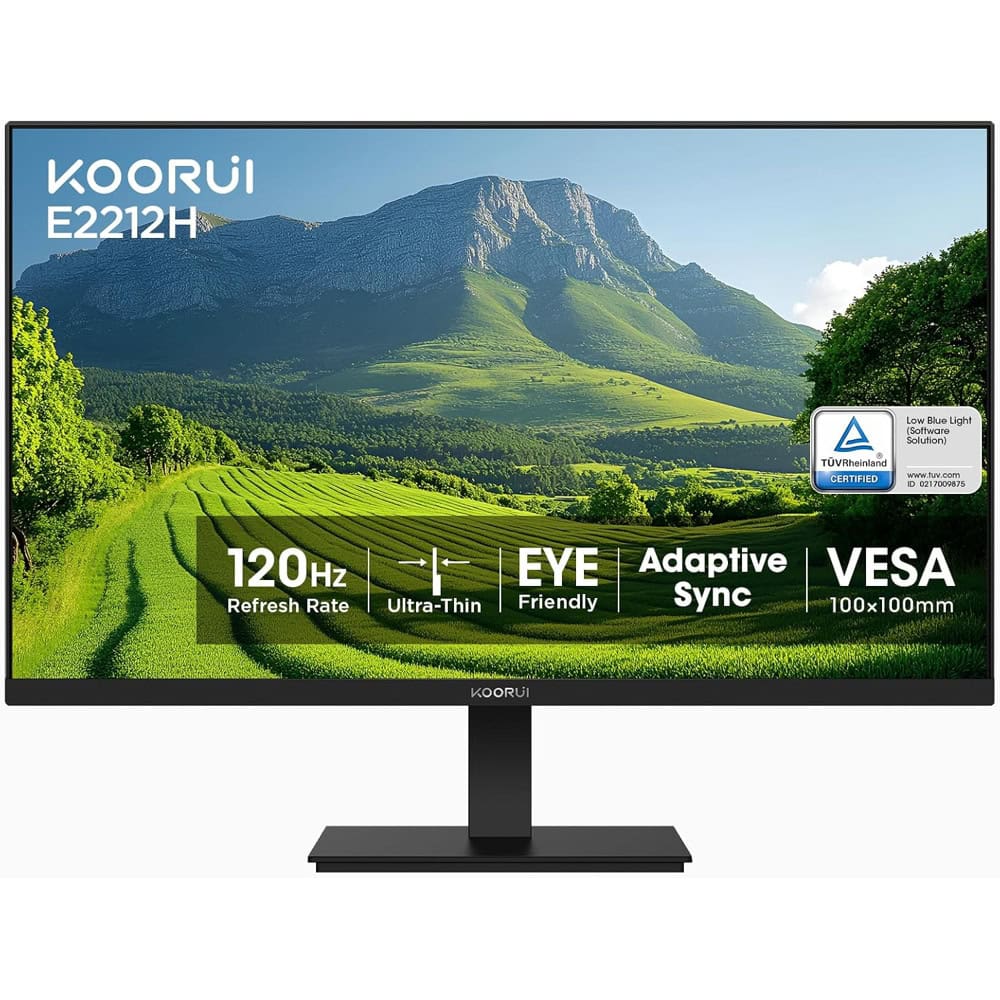
Монитор KOORUI E2212H, 22" (55.88 cm), VA панел, 120Hz, FHD, 5ms, 4000:1, 250cd/m2, HDMI, VGA64.79 €

Монитор Philips 221V8A, 21.5" (54.61 cm), VA панел, 75Hz, Full HD, 4ms, 3000:1, 250cd/m2, HDMI, VGA69.64 €
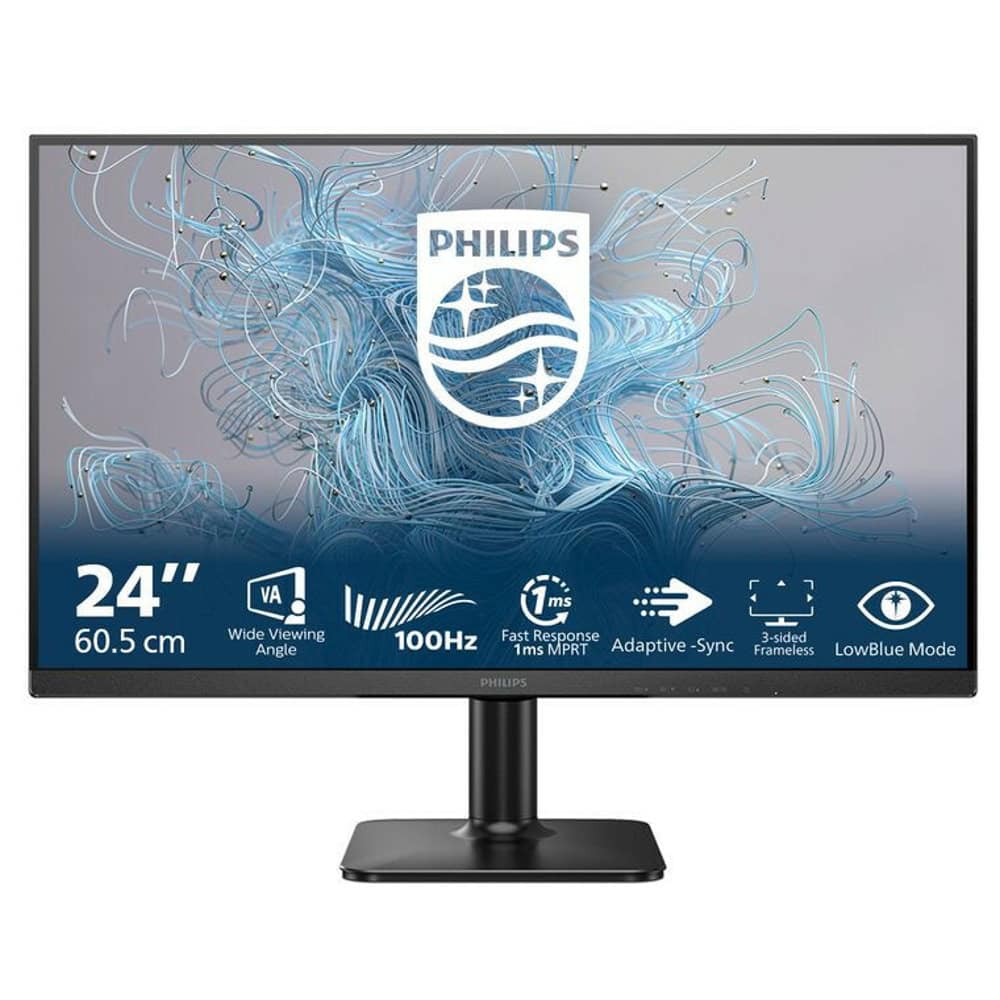
Монитор Philips 24E2N1100LB/00, 24" (60.96 cm) VA панел, 100Hz, Full HD, 4ms, 4000:1, 250 cd/m2, HDMI, VGA70.19 €