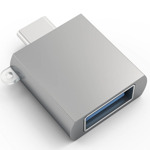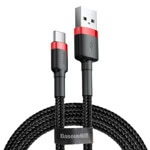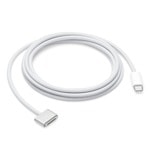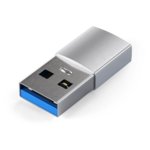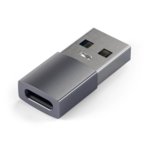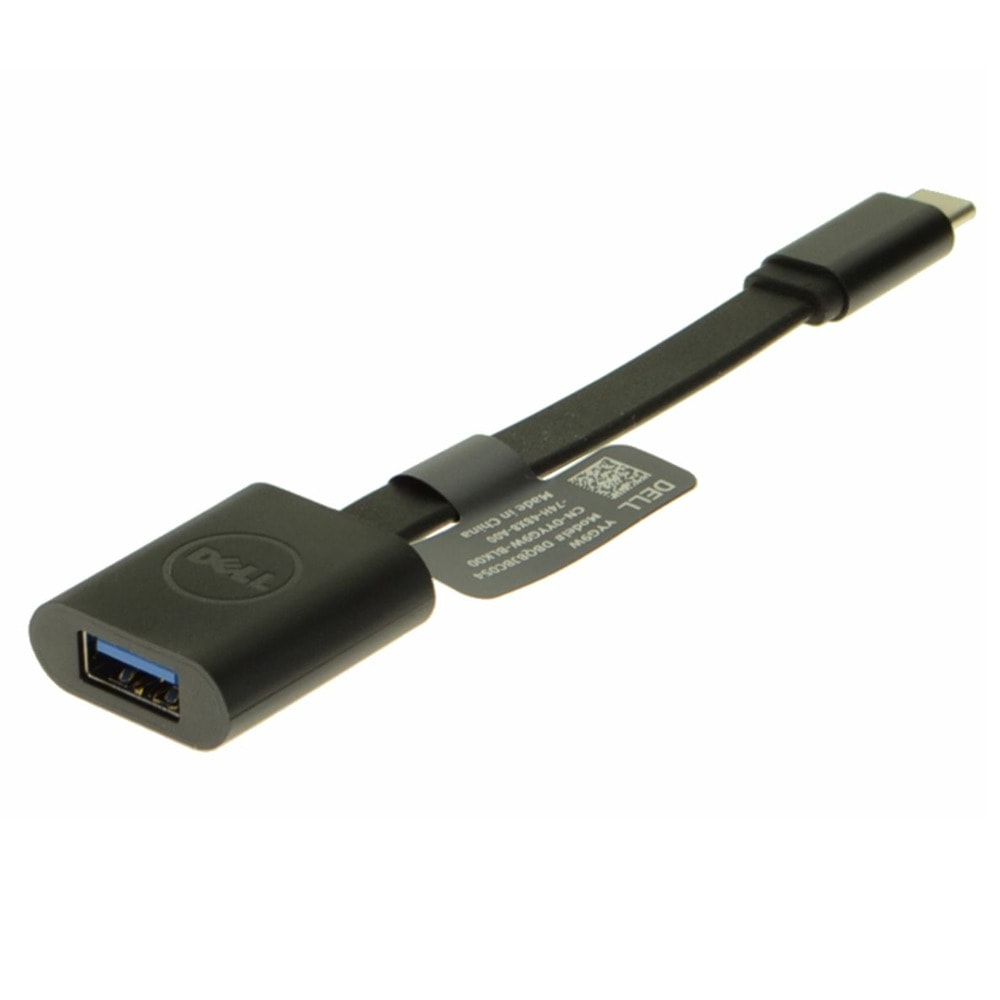



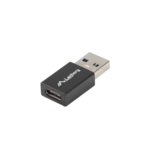
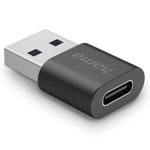



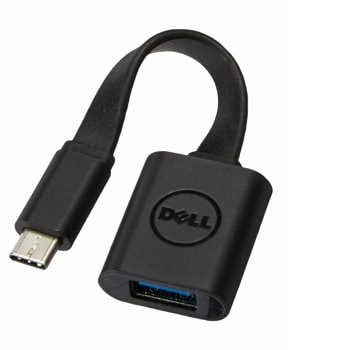
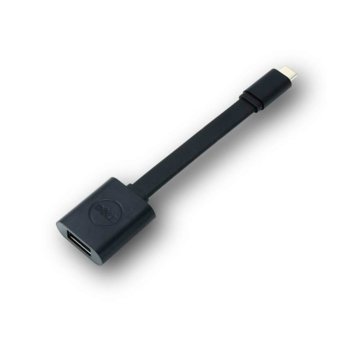
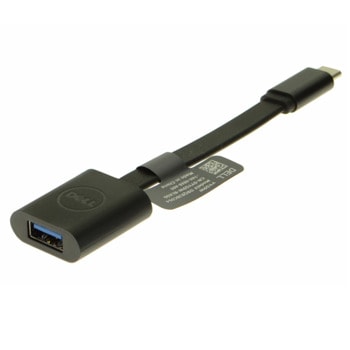
The Dell Adapter: USB-C to USB-A 3.0 connects your legacy computer with USB-C port to newer accessories and devices with USB-A 3.0 ports. It’s simple to use the adapter—plug the USB-C end of the adapter into your computer with USB-C port, then attach the USB-A 3.0 end into your device or accessory with USB-A 3.0 port.
Connect your USB-C computer to USB-A 3.0 devices
Synch your legacy computer with new devices
Easy to use
With the Dell Adapter USB-C to USB-A 3.0, connect your legacy computer with USB-C port to a newer device and accessory with USB-A 3.0 port.
Connect your USB-C computer to USB-A 3.0 devices
With the Dell USB-C to USB-A 3.0 adapter you can connect your computer with USB-C port to standard, newly released, USB-A 3.0 devices and accessories.
The Dell Adapter USB-C to USB-A 3.0 is the perfect solution for synching data and charging between your legacy computer and the latest tablets, smartphones and other devices.
Plug the USB-C end of the adapter into your computer, then attach the USB-A 3.1 end to your new devices and accessories.
Simply plug the USB-C end of the adapter into your computer's USB-C port. Then connect your USB-A 3.0 camera, smartphone, tablet device or other device. Plus, you can also connect a USB cable to charge your smartphone or tablet.
USB 3.0 Gen 1
USB-C
USB-C to USB Adapter
Виж още USB кабели Dell
Виж всички USB кабели в категорията
Connect your USB-C computer to USB-A 3.0 devices
Synch your legacy computer with new devices
Easy to use
With the Dell Adapter USB-C to USB-A 3.0, connect your legacy computer with USB-C port to a newer device and accessory with USB-A 3.0 port.
Connect your USB-C computer to USB-A 3.0 devices
With the Dell USB-C to USB-A 3.0 adapter you can connect your computer with USB-C port to standard, newly released, USB-A 3.0 devices and accessories.
The Dell Adapter USB-C to USB-A 3.0 is the perfect solution for synching data and charging between your legacy computer and the latest tablets, smartphones and other devices.
Plug the USB-C end of the adapter into your computer, then attach the USB-A 3.1 end to your new devices and accessories.
Simply plug the USB-C end of the adapter into your computer's USB-C port. Then connect your USB-A 3.0 camera, smartphone, tablet device or other device. Plus, you can also connect a USB cable to charge your smartphone or tablet.
USB 3.0 Gen 1
USB-C
USB-C to USB Adapter
Виж още USB кабели Dell
Виж всички USB кабели в категорията
Технически характеристики
| От какъв интерфейс: | USB C(м) |
|---|---|
| Към какъв интерфейс: | USB A(ж) |
| Тип: | Преходник |
| Дължина: | Преходник m |
Добави Ревю / Въпрос
Оцени продукта или задай въпрос?
- 5
0 ревюта
- 4
0 ревюта
- 3
0 ревюта
- 2
0 ревюта
- 1
0 ревюта
-
 Какво пазаруват другите
-
 Най-продавани продукти
-
 Промоционални продукти
-
55.21 €
-
7.18 €
-
5.07 €
-
4.12 €
-
4.32 €
-
8.62 €
-
21.48 €
-
4.12 €
-
14.00 €
16.41 € -
10.07 €
-
20.25 €
-
8.06 €
-
4.32 €
-
3.88 €
-
9.42 €
-
22.49 €
-
5.44 €
-
21.48 €
-
5.00 €
-
5.00 €
-
4.12 €
-
4.46 €
-
22.49 €
-
8.41 €
-
6.22 €
-
7.35 €
-
6.22 €
-
8.79 €
-
7.66 €
-
22.49 €
-
7.18 €
-
7.92 €
-
3.74 €
-
8.16 €
-
6.94 €
-
11.60 €
-
4.32 €
-
4.04 €
-
8.41 €
-
8.55 €